
Creating Rooms
Rooms are where your team collaborates on story point estimation.
Creating a Room
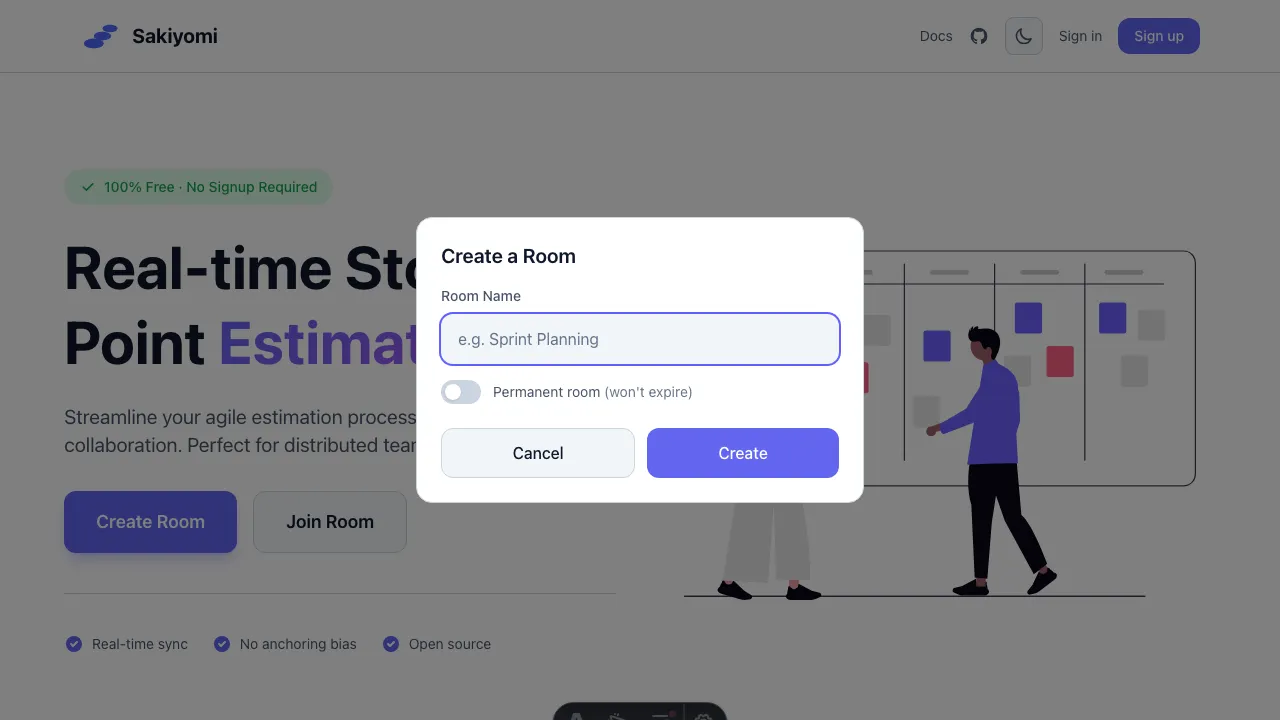
Section titled “Creating a Room”- Click Create Room on the homepage
- Enter a descriptive room name
- Optionally toggle Permanent room
- Click Create
Room Types
Section titled “Room Types”Temporary Rooms (Default)
Section titled “Temporary Rooms (Default)”- Automatically deleted after inactivity
- Great for one-off planning sessions
Permanent Rooms
Section titled “Permanent Rooms”- Stay active indefinitely
- Ideal for recurring team meetings
- Toggle “Permanent room” when creating
Room Settings
Section titled “Room Settings”Managers can access room settings by clicking the gear icon:
- Room Name: Change the room’s display name
- Vote Options: Customize the voting scale
- Show Votes: Toggle whether participants can see their own vote
Joining an Existing Room
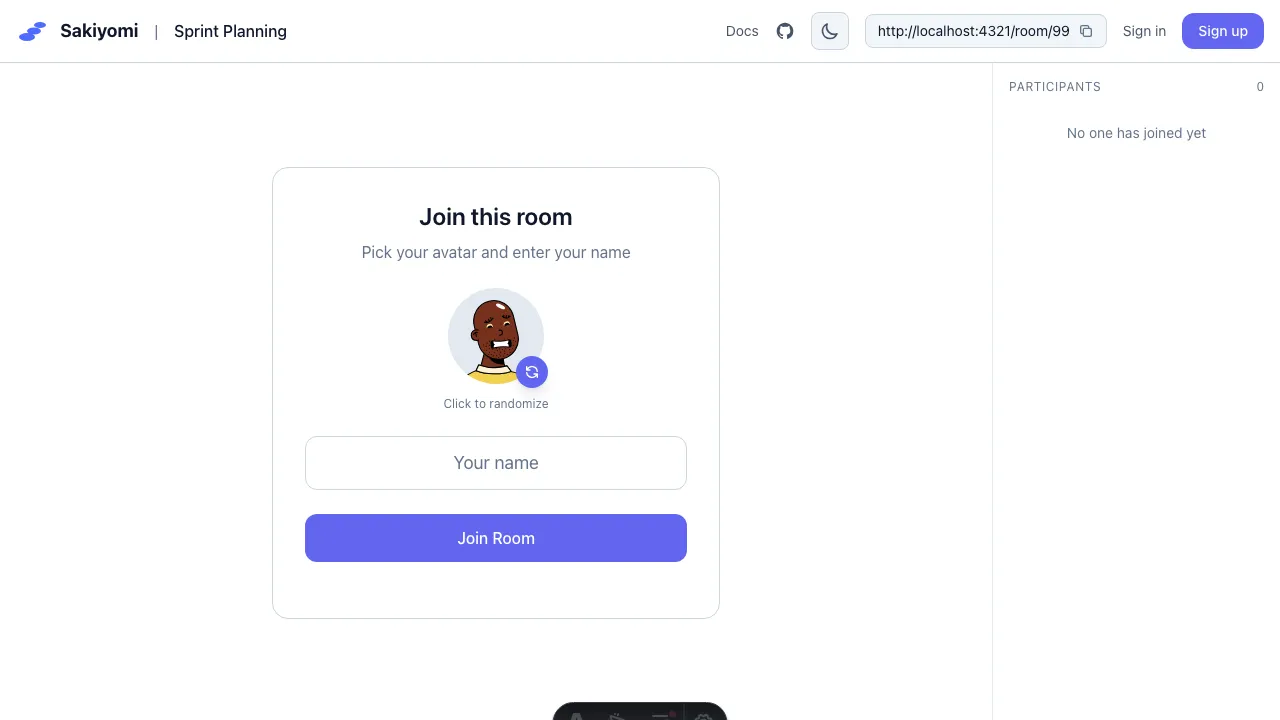
Section titled “Joining an Existing Room”Share the room URL with your team. When they open it:
- They’ll see the join form
- Pick an avatar
- Enter their name
- Click Join Room
No account or signup required!